How It Works
- Start without an account. The HoopsRef Assessment is free, and no email address or password is required.
- Private participant record. HoopsRef assigns this browser a private participant identifier so assessment starts, completions, and repeat attempts can be counted.
- Optional account features. Creating an account lets you keep a persistent profile and assessment history. Registered users may also take the one-time Practice Test.
-
Begin your HoopsRef Assessment.
On phones and tablets, Virtual Proctoring is automatically off. You receive your score, stars, and explanations and can save the result to an optional account. Phone assessments are not eligible for certificates or the public leaderboard, even if you later open the result on a computer.
-
On a computer, you can choose Virtual Proctoring. When it is on and you click the “Begin Assessment” button,
- Your screen will go to “Fullscreen.”
- Your camera will watch to make sure you are not looking elsewhere.
- Your microphone will listen for any possible outside help.
- With Virtual Proctoring on, your computer will go through a brief calibration for the camera and the microphone.
- You will proceed to complete the assessment independently in a quiet room. The microphone detects sustained room noise but does not record audio. Keep your sound on so you can hear a reminder if your face is no longer visible.
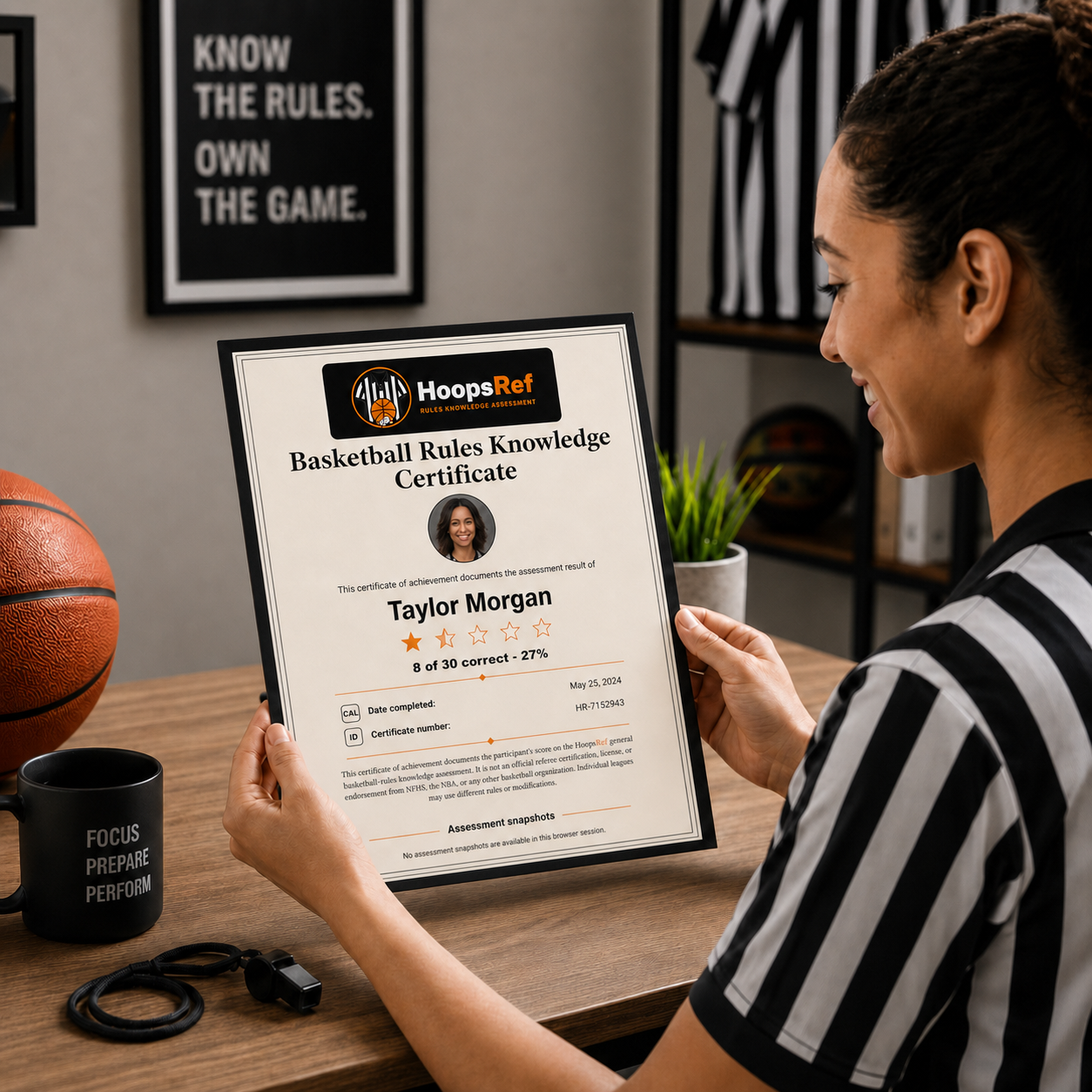
- Five still assessment snapshots are saved with the HoopsRef Assessment and placed on its certificate to help support assessment integrity. These snapshots allow anyone reviewing the certificate to see who was present during the assessment. They are separate from the optional profile photo.
-
On a computer, you can choose Virtual Proctoring. When it is on and you click the “Begin Assessment” button,
- Additional organization oversight. Athletic directors, recreation managers, and other supervisors may choose to have referees or prospective referees complete the HoopsRef assessment in a room where the organization provides its own in-person monitoring.
- Answer 20 questions. Questions are selected at random from a large question bank and progress from easier to more difficult. The questions use the same terminology as the rule books.
- Finish within 15 minutes. This is more than ample time for most people.
- Review your results. HoopsRef shows your score, reveals the correct answers, and explains any answers you missed.
- Create your Basketball Rules Knowledge Certificate. Enter the name you want printed and optionally add a headshot. The certificate includes your result, a unique certificate ID, and five assessment snapshots.
- Optional account: After a HoopsRef Assessment, create an account or sign in to save your history and manage a leaderboard listing.